MEESE
ENGINE

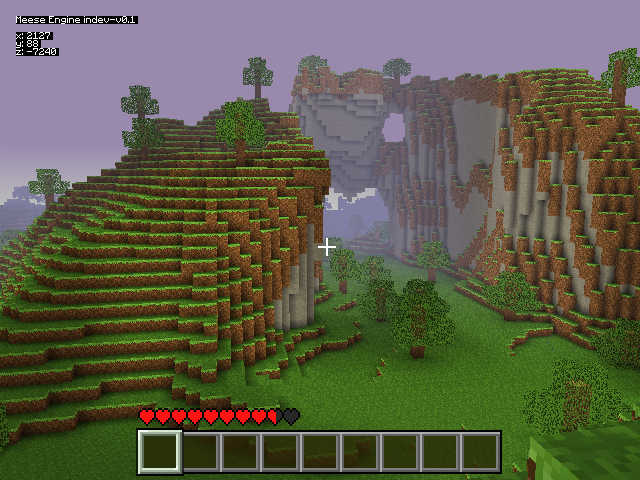
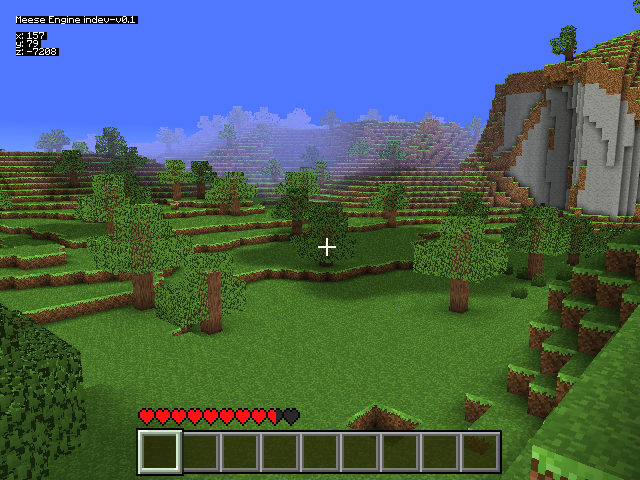
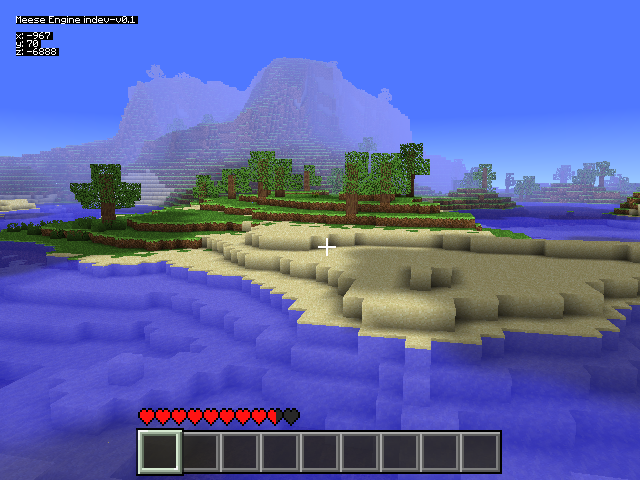
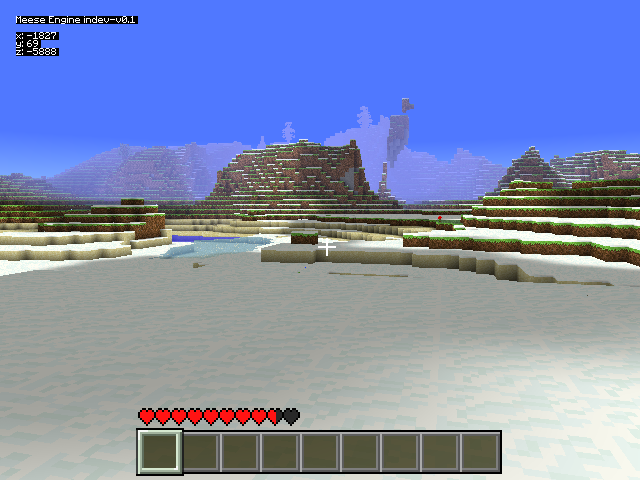
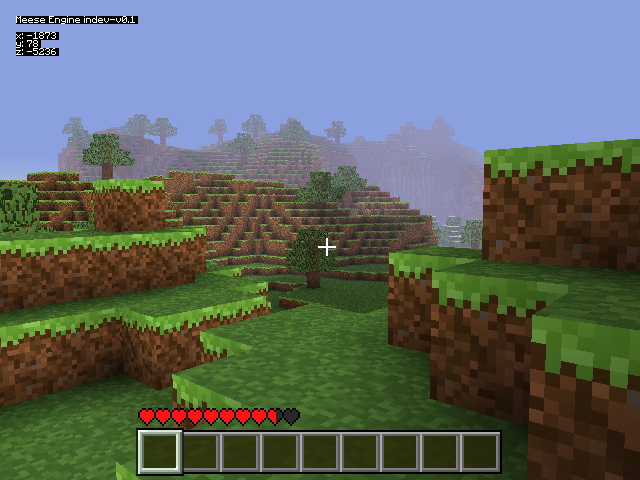
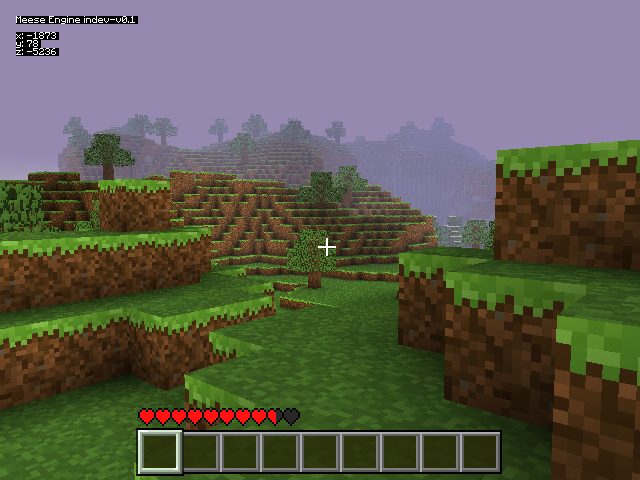
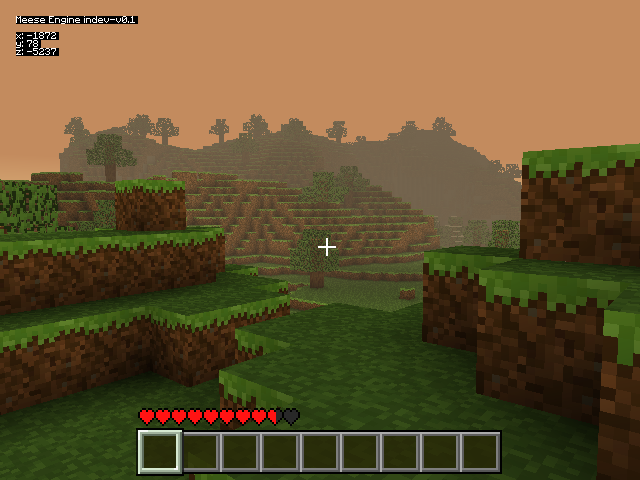
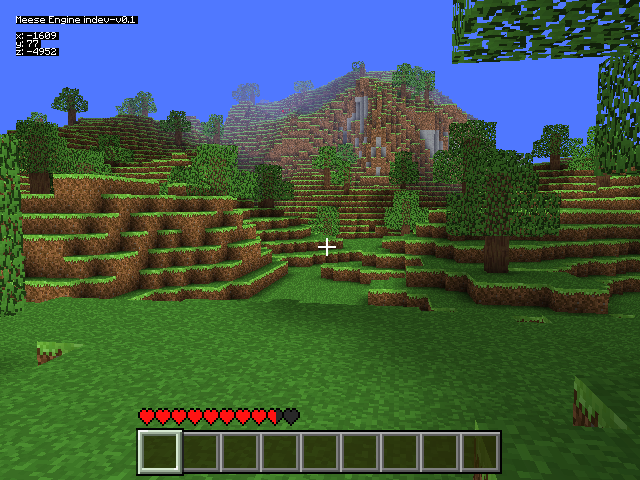
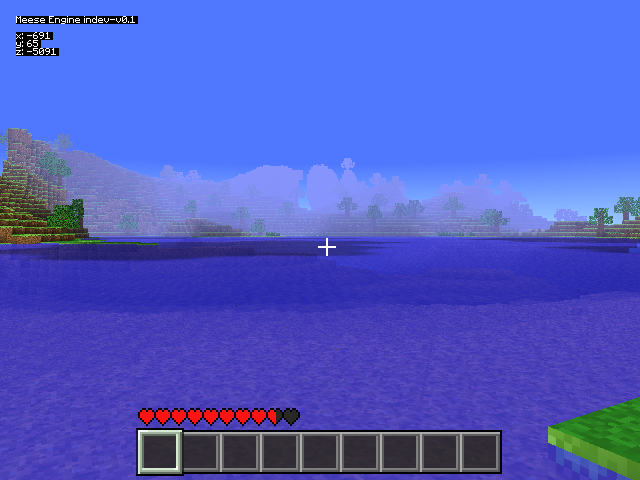
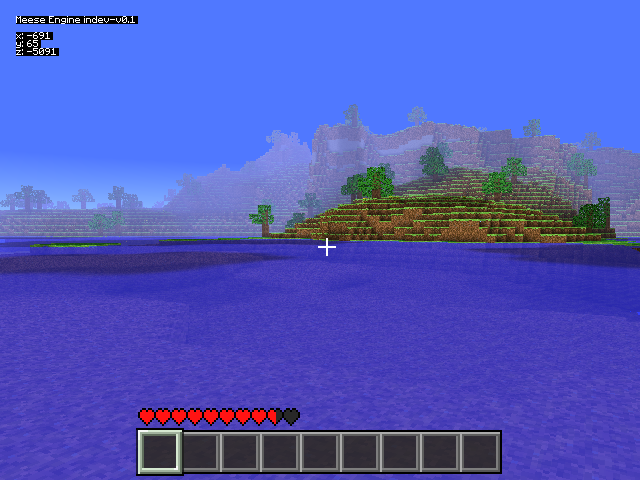
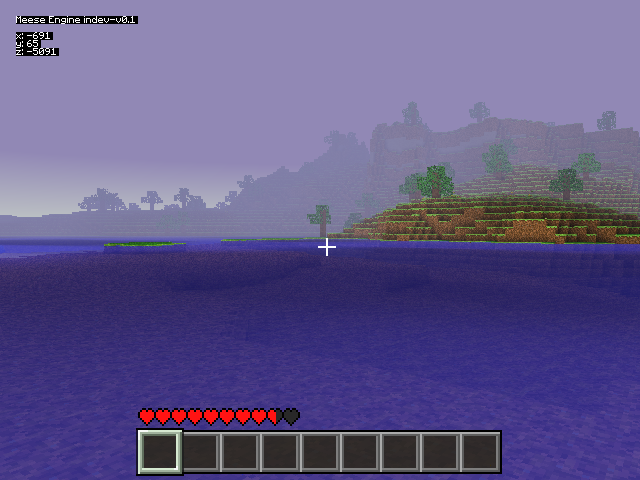
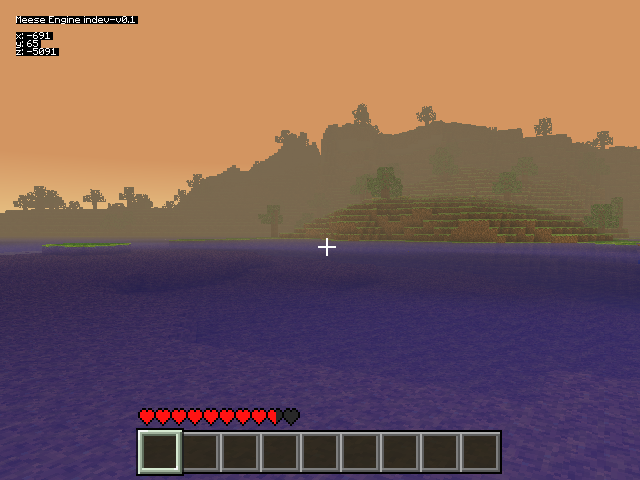
An open-world voxel game built for the GameCube.

SCROLL

Downloads

Meese Engine indev-v0.1-gcn Latest
.zip archive
Download meese_engine_indev-v0.1-gcn.zip

Setup Instructions:

  1. 1 You will need a modded GameCube with Swiss installed.
  2. 2 Download and extract meese_engine_indev-v0.1-gcn.zip.
  3. 3 Copy game.dol to your GameCube's SD card or USB drive. Place it in the root or /games/ directory.
  4. 4 Boot your GameCube into Swiss and run game.dol.
  5. 5 Use a standard GameCube controller. The full button mapping is in the in-game pause menu and readme.txt.
  1. 1 Download and install Dolphin Emulator.
  2. 2 Download and extract meese_engine_indev-v0.1-gcn.zip.
  3. 3 Run Dolphin Emulator and open game.dol from the extracted directory.
⚠️ If you receive an error during gameplay, click on Ignore for this session.

Changelog

indev-v0.1
Nov 2024

First Indev

  • Basic voxel world demo for the GameCube New

FAQ

Yes, Meese Engine is a free homebrew project. Download it, play it, and share it freely. Just don't resell it.
To run on real hardware, yes, your GameCube needs to be modded with Swiss installed. Alternatively, you can play on PC using Dolphin Emulator.
Yes, run texture_pack_patcher.exe to patch the game with your desired textures. Official Minecraft textures are not provided. You must bring your own copy of Minecraft's assets.
Only a subset of Minecraft Beta. Long term, the game will diverge in a different direction. You can already see some divergence in the game's enhanced graphics.
On Dolphin, you can map controls to keyboard and mouse via the controller settings.
Multiplayer is on the roadmap for a future version.
Join the Discord server. There is a dedicated channel for bug reports.

Credits

avatar
Meese
Lead Developer
avatar
Pixel Brush
Texture Artist
LibreProg Texture Pack
avatar
Extrems
GameCube Homebrew SDK
libogc2
freesound.org
Sound Effects

Built using the libogc2 and the devkitPPC toolchain. Special thanks to the Dolphin Emulator team and the GameCube homebrew community.